


Welcome to the Coast Radar mobile app, your companion for finding places to visit, eat and things to do on or around the UK and Ireland coast. This guide will help you navigate the app and utilise its features effectively.
Getting Started
Download and Installation
- Visit the Google Play Store on your Android device
– Search for “Coast Radar” or use this Play Store link. - Visit the Apple App Store on your iPhone or iPad
– Search for “Coast Radar” or use this App Store link. - Tap Install to download the app.
- Once installed, open the app and grant any required permissions (e.g. location access).
Navigating
The main menu is on the Bottom Bar:
- Home page shows recent articles and blog categories
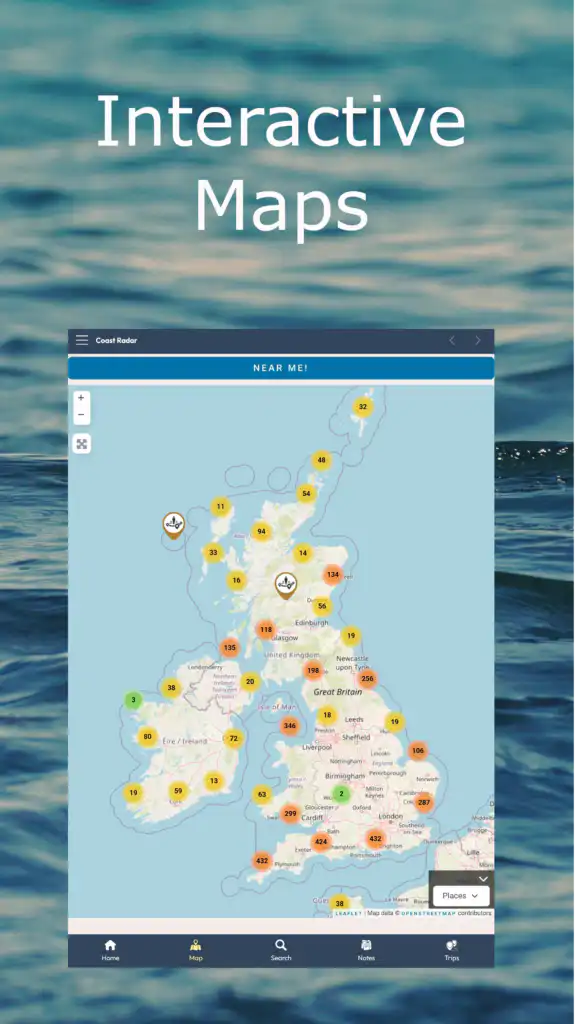
- Map is an interactive map with options to focus on places or events and to jump to your current location (Near Me!).
- Search lets you search by text, and you can optionally specify a region to narrow the results. This page also shows the entries you last viewed.
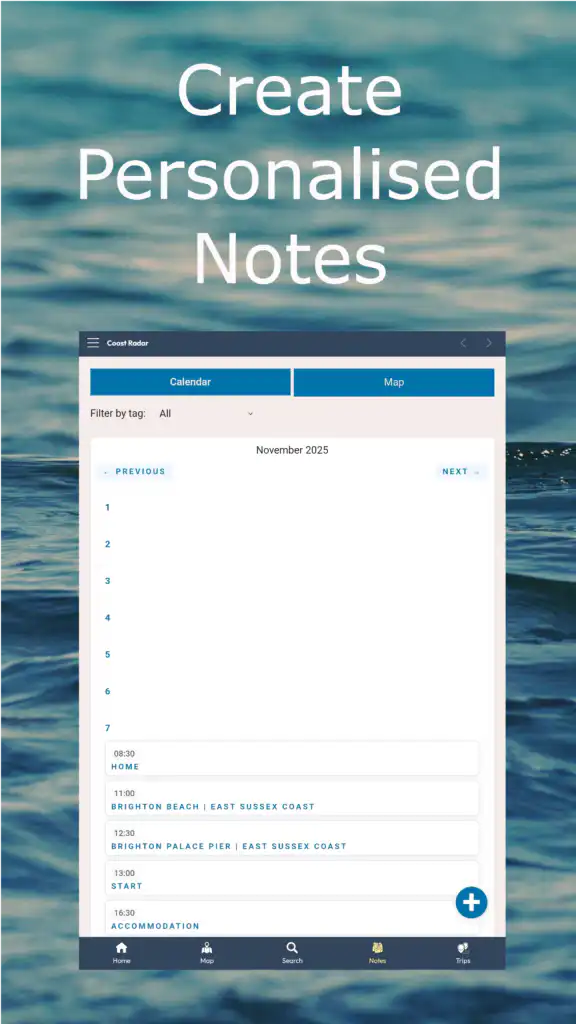
- Notes are for logged-in community users who can create private notes.
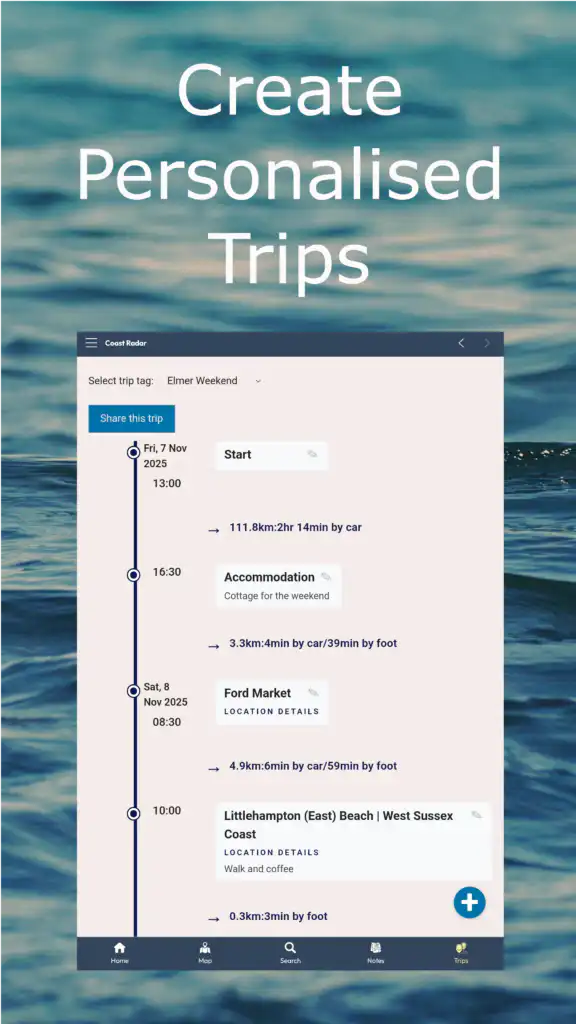
- Trips are for community members where Notes can be organised into trip timelines.
The secondary menu in the title bar offers:
- Blog shows our UK Coast and Beaches articles
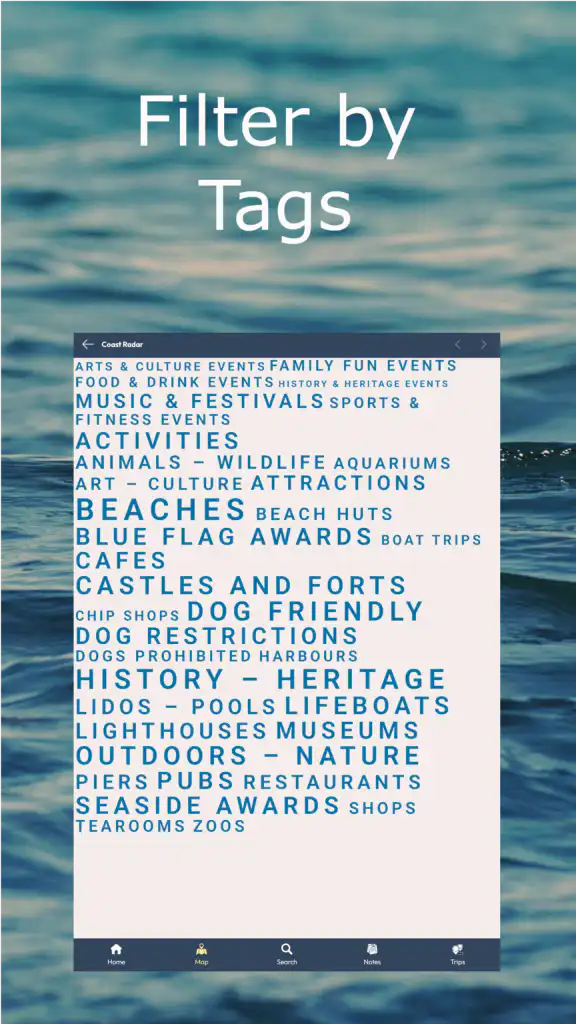
- Filter by Tags allows you to focus your search on a particular keyword, e.g. “Beaches”, “Cafes”, “Music & Festivals”
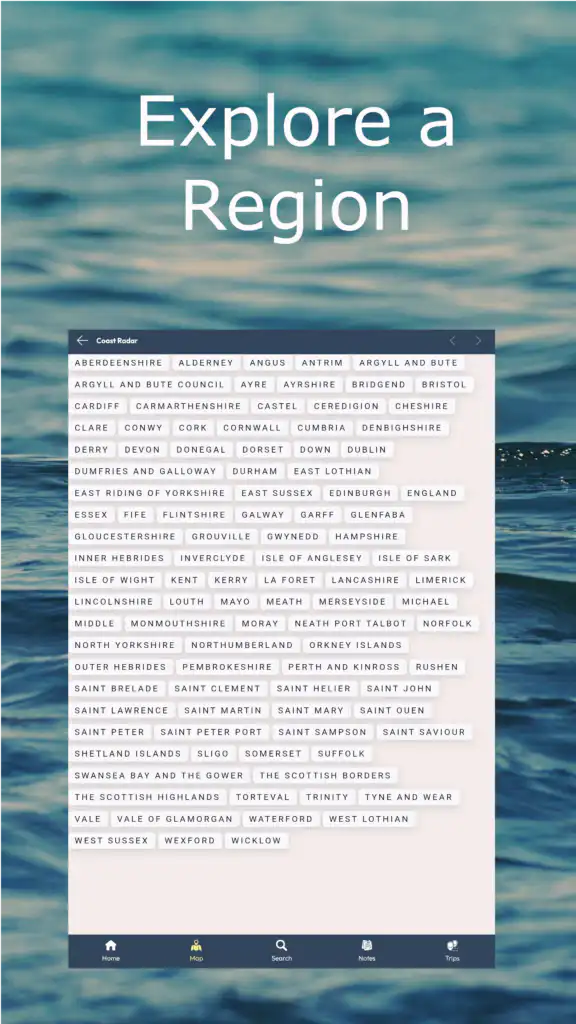
- Filter by Regions allows you to jump to the regional destination guide.
- Profile allows you to manage your community account, including the option to delete.
- Notes Dashboard provides an overview and options to manage notifications, export, and delete notes.
- Events allows you to text-search for events, browse by calendar, or view upcoming events.
Key Features

Map
Imagine being on holiday in a new seaside town or village and wondering what the beaches are like, what museums are available, or where to grab a drink. With our interactive maps, you can browse or tap the “Near Me” feature, and Coast Radar will show you some great spots nearby. No more hunting for information – it’s all right at your fingertips!
Search by Text
If you want something specific or have a place in mind, type it into our text search feature. Within seconds, you’ll have all the necessary information, including directions and links to further information.
Search by Region
Are you planning a trip to the Isle of Wight? Are you heading to Northumberland for a coastal break? Search by region to find beaches, pubs, castles, events and more. Coast Radar allows you to narrow down the locations you want to explore based on where you’re heading. Perfect for planning day trips or more extended holidays.
Filter by Tag
Looking for a specific type of destination? You can filter by tag like “beach,” “castle,” “pub,” or even “lighthouse” to find what you’re after. Whether you’re looking for a spot for a refreshing dip or a place to relax with a cool drink, Coast Radar makes it easy to filter through thousands of options and find that perfect spot.
Notes & Trips
Planning a trip should feel exciting, not complicated, and that’s precisely what Coast Radar Notes is all about. Whether you’re dreaming up your next countryside escape, creating a bucket list or journaling your latest coastal walk, Coast Radar brings it all together in one interactive space with calendar, map and trip views.
Notes can be managed in the Notes Dashboard via the title bar menu, allowing you to delete notes by tag or all notes, export to CSV, and manage your notification preferences.
Events
In an area, looking for somewhere to go. Our events calendar shows everything from music and food festivals to beer festivals and kite competitions.
UK Coast Travel Blog
If you want some inspiration, check out our blog, packed with tips, guides, and insider info to help you make the most of every adventure. Stay tuned for advice, community stories, and recommendations to ensure every outing is truly fantastic!
Troubleshooting
Common Issues
- App Crashing: Restart or clear the app’s cache under Settings > Apps > Coast Radar > Clear Cache.
- Location Not Loading: Ensure GPS is enabled and permissions are granted.
- The map doesn’t work: We use the standard to use two fingers to move the map around and one finger to move up and down the page.
Contact Support
If you need additional help, reach out via Email: [email protected]